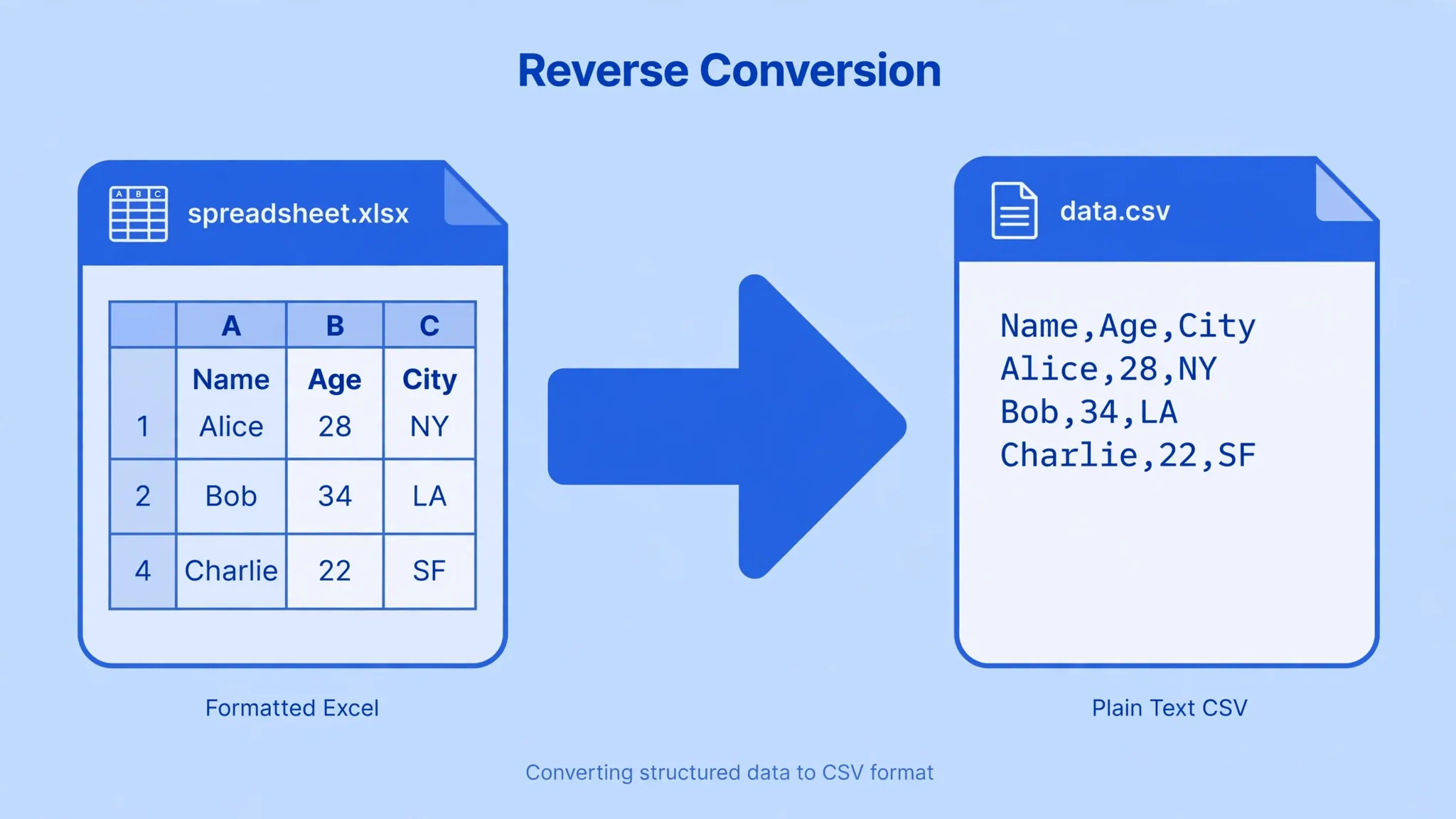
Sometimes the journey runs the other way. You have a polished Excel workbook — formulas, formatting, maybe several sheets — and you need to turn it into a CSV file. Databases, web applications, accounting platforms, and data pipelines almost always ask for CSV, not XLSX. Learning how to convert Excel to CSV cleanly — without garbled characters, broken dates, or lost rows — saves hours of rework. This page gives you a free converter that does it in your browser, plus every reliable method and the pitfalls to avoid.
Why convert Excel to CSV?
Excel is the best place to work on data; CSV is the best format to move it. Here are the situations where exporting to CSV is the right call:
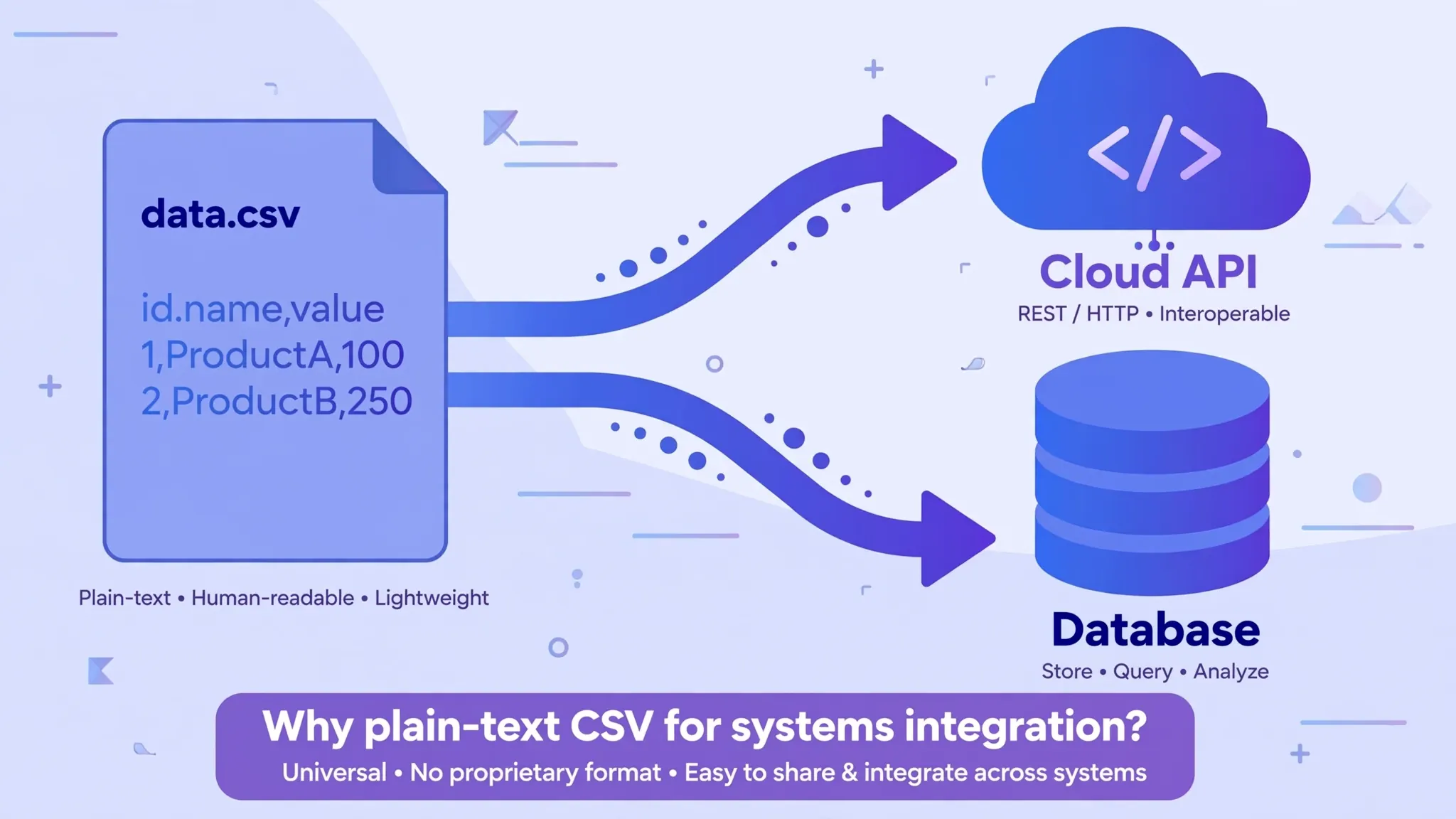
- Database imports. MySQL, PostgreSQL, SQL Server, and SQLite all import CSV natively. XLSX import is slower, fussier, and often unsupported.
- Web apps and APIs. Upload endpoints for CRMs, email platforms, and ad managers (Google Ads, Meta) typically demand CSV.
- Accounting and payroll. Bank statements, invoicing tools, and tax software in the US, UK, Canada, and Australia commonly exchange CSV.
- Scripts and automation. Python's
csvmodule, pandas, and shell tools parse CSV far more easily than Excel binaries. - Version control. CSV is plain text, so Git can diff it. Try diffing two XLSX files — you can't, meaningfully.
How to convert Excel to CSV with this free tool
- Upload your workbook. Drag the
.xlsxor.xlsfile onto the converter above (or click to browse). It loads instantly and privately. - Pick the worksheet. A CSV holds exactly one sheet, so choose which tab to export from the dropdown.
- Choose your delimiter. Comma is the default; pick semicolon if your numbers use comma decimals (common across Europe and parts of India), tab for TSV-style exports, or pipe for maximum safety with messy text.
- Decide on the BOM. If the receiving system is Excel itself or an older Windows app, tick "Add UTF-8 BOM" so accented and non-Latin characters display correctly.
- Click Convert to CSV. Check the 10-row preview, then download. Repeat for each sheet you need.
Other ways to export Excel as CSV (Save As, Google Sheets, Python)
The browser tool is fastest, but know your options:
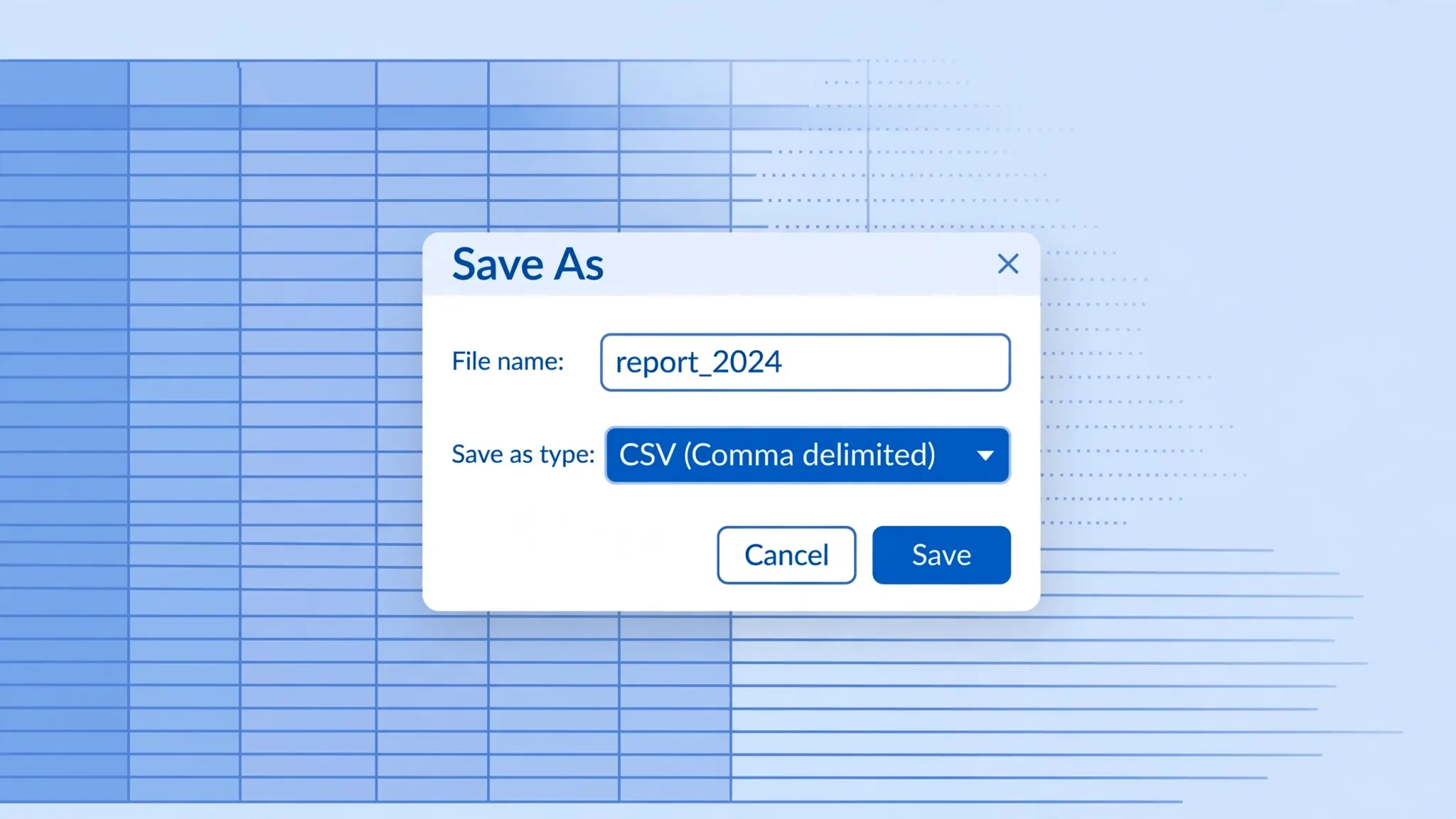
- Excel → Save As. File → Save As → "CSV UTF-8 (Comma delimited)". Only the active sheet is saved, and Excel warns you about lost features — say yes and keep the original XLSX.
- Google Sheets. File → Download → "Comma-separated values (.csv)". Handy if the file already lives in Drive.
- Python (pandas).
pd.read_excel("file.xlsx", sheet_name="Sales").to_csv("sales.csv", index=False)— ideal for batch-converting dozens of workbooks. - PowerShell / CLI tools. Good for scheduled server-side exports, though scripting knowledge is required.
Compared with desktop software, the online converter wins on convenience: no Excel licence needed, no menus to hunt through, and it works on Chromebooks, Linux, and phones.
What you lose (and keep) when converting Excel to CSV
This is the part most people learn the hard way. CSV is plain text — it stores values only. Be clear-eyed about what survives:
| Excel feature | Survives in CSV? |
|---|---|
| Cell values (text, numbers, dates) | ✅ Yes |
| Formula results | ✅ Yes — as values (formulas themselves are lost) |
| Extra worksheets | ❌ No — one sheet per CSV |
| Formatting, colors, fonts | ❌ No |
| Charts and images | ❌ No |
| Pivot tables | ❌ No — copy as values first |
| Merged cells | ⚠️ Unmerges; value lands in the top-left cell |
Golden rule: always keep the original XLSX as your master copy and treat the CSV as a disposable export.
Troubleshooting common Excel-to-CSV problems
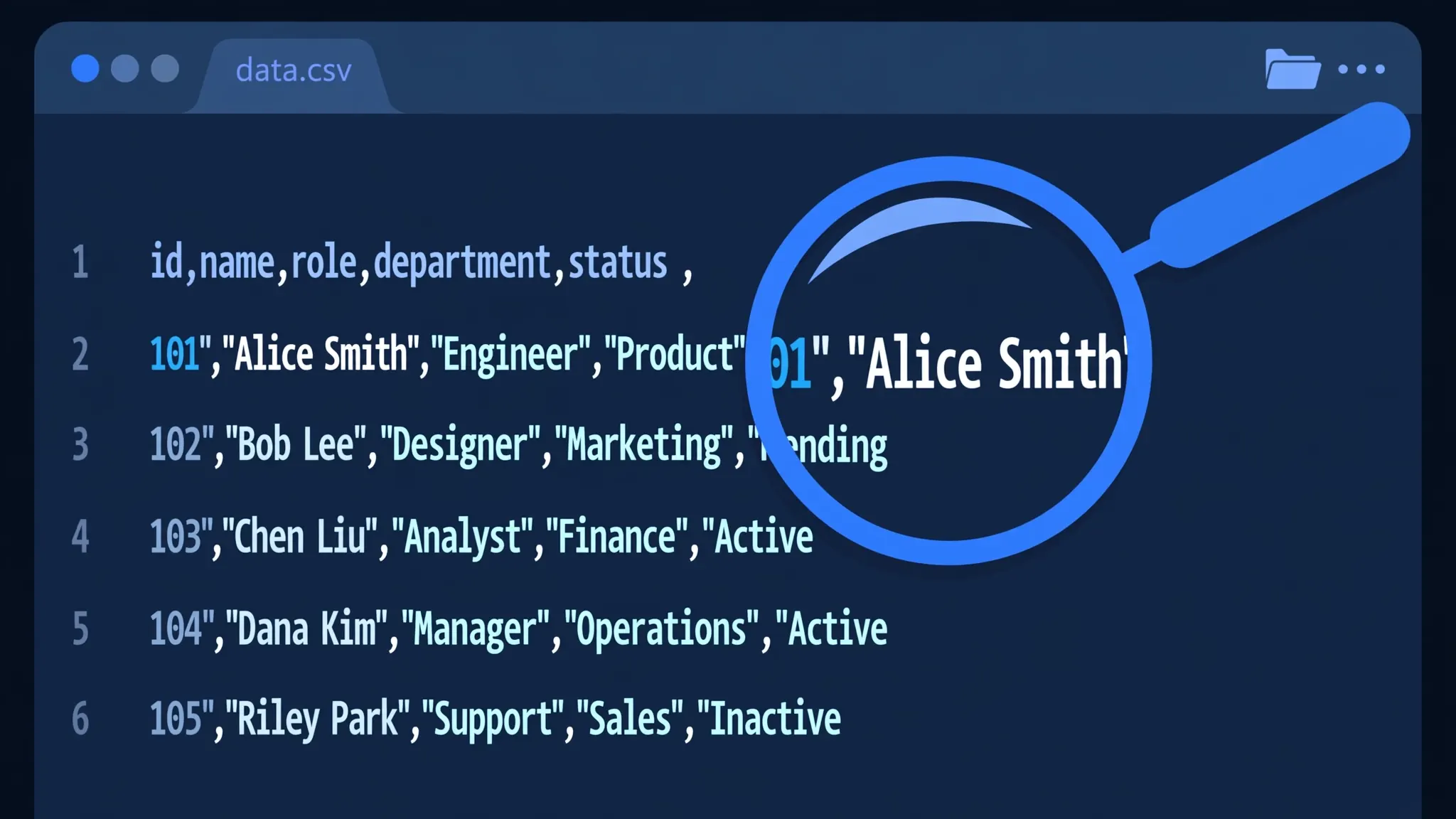
- Garbled characters (é, ???): encoding mismatch. Re-export as UTF-8, and add the BOM if the target app is Excel on Windows.
- Dates flipped (3/4/2026 → April 3rd): US vs UK date order. Format the column as unambiguous
YYYY-MM-DDbefore exporting. - Leading zeros dropped: Excel already dropped them before export. Format the column as Text in Excel first, then export.
- Semicolons instead of commas: your system's list separator. Either accept semicolons (some EU software wants them) or pick comma in the tool above.
- Formula shows as text: the cell was formatted as Text before the formula was entered. Re-enter after switching to General.
- Empty rows at the bottom: Excel exports the used range, which sometimes includes thousands of blank rows. Delete them in Excel before exporting.
Frequently asked questions
How do I convert Excel to CSV for free?
Upload your .xlsx or .xls file to the free converter at the top of this page, pick the worksheet and delimiter, then click Convert to CSV. It downloads instantly and never leaves your device.
Does converting Excel to CSV lose data?
CSV keeps one sheet's plain cell values. Formulas become their results, and formatting, charts, images, and extra sheets are not saved. Keep your original Excel file as the master copy.
How do I convert multiple Excel sheets to CSV?
A CSV holds one sheet, so export each worksheet separately. The tool's sheet picker makes this quick — it's exactly what databases and import tools expect.
Why does my CSV show strange characters after converting from Excel?
That's an encoding mismatch. Export with UTF-8 encoding, and enable the UTF-8 BOM option if your receiving system (often Excel on Windows) needs it.
Can I choose a semicolon or tab delimiter?
Yes — the converter above offers comma, semicolon, tab, and pipe delimiters so the output matches your database, accounting software, or regional settings.