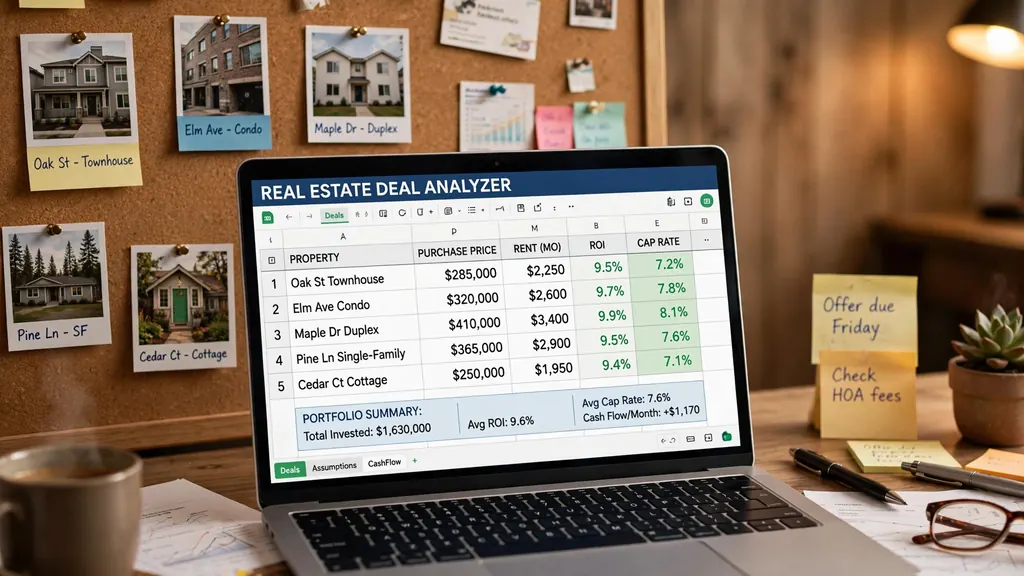
Real estate runs on numbers, but most participants fly blind. Investors “feel” a property is a good deal, agents lose track of pending commissions across a messy pipeline, and landlords discover at tax time that they never really knew which unit made money. Excel for real estate replaces all of that with three workhorse tools: a deal analyzer that underwrites any property in fifteen minutes, a commission tracker that shows an agent exactly what is owed and when, and a rental ledger that keeps every unit’s profit and loss honest.
This guide builds all three from scratch using proven real estate Excel templates patterns — no downloads needed, because you will understand every formula you place. You will learn the metrics that matter (cap rate, cash-on-cash, DSCR), how Excel for realtors handles splits and pipelines, and how a property management spreadsheet scales from one duplex to a twenty-unit portfolio. Whether you invest in Texas suburbs, sell flats in London, or manage rentals in Toronto, the math is universal; only the currency and the tax rules change.
Why Excel for real estate beats gut feel and generic apps
Property technology is a crowded market: deal-analysis apps, CRM platforms for agents, property management suites for landlords. Each solves part of the problem and charges a monthly fee for the privilege. The trouble is that real estate decisions are bespoke — a duplex in Cleveland, a condo in Miami, and a shophouse in Bangkok have almost nothing in common analytically — and generic software inevitably forces your deal into its boxes.
A spreadsheet imposes nothing. Your analyzer can model seller financing on one tab, a BRRRR refinance on another, and a fix-and-flip on a third, all sharing the same expense assumptions. When a lender asks “what if rates rise 1%?”, you change one cell and watch the cash flow update. That flexibility is why professional underwriters at major firms still do their real thinking in Excel even when the official system is something fancier: the spreadsheet is where assumptions get stress-tested honestly.
For agents and small landlords, the argument is simpler: cost and control. A new agent should not be paying $50/month for a CRM before closing a first deal; a landlord with four units does not need enterprise property software. Excel for real estate costs nothing extra, keeps sensitive financial data on your own device, and produces records your accountant can actually use at tax time. The tools in this guide are the same ones seasoned investors use to sanity-check deals before committing capital.
The deal analyzer: underwriting a rental property in 15 minutes
A deal analyzer answers one question: if I buy this property at this price, what do I actually earn? Build it as a single sheet with clearly separated input cells (shaded yellow, the universal “type here” convention) and computed results below. One property per column lets you compare three candidates side by side — the comparison view is where the analyzer earns its keep.
The input block
- Purchase price and closing costs (typically 2–5% of price; higher in some markets).
- Financing: down payment %, interest rate, loan term in years. Monthly payment via
=PMT(rate/12, term*12, -loan_amount). - Gross monthly rent — realistic rent, not the seller’s fantasy. Verify against comparable listings.
- Vacancy allowance: 5–10% of gross rent, depending on market. Hope is not a strategy.
- Operating expenses: property tax, insurance, HOA, maintenance (budget 1% of property value/year), property management (8–12% of rent if outsourced), utilities you cover.
- Rehab / upfront capex if the property needs work before renting.
The output block (all formulas)
Effective gross income = gross rent × (1 − vacancy rate). Net operating income (NOI) = effective gross − operating expenses (excluding mortgage). Monthly cash flow = NOI/12 − mortgage payment. Total cash invested = down payment + closing + rehab. Every output updates the instant an input changes — which makes the analyzer a negotiation tool: “at $280k this works; at $300k the cash flow goes negative” is a powerful sentence in a negotiation.
Stress-testing: the sensitivity table
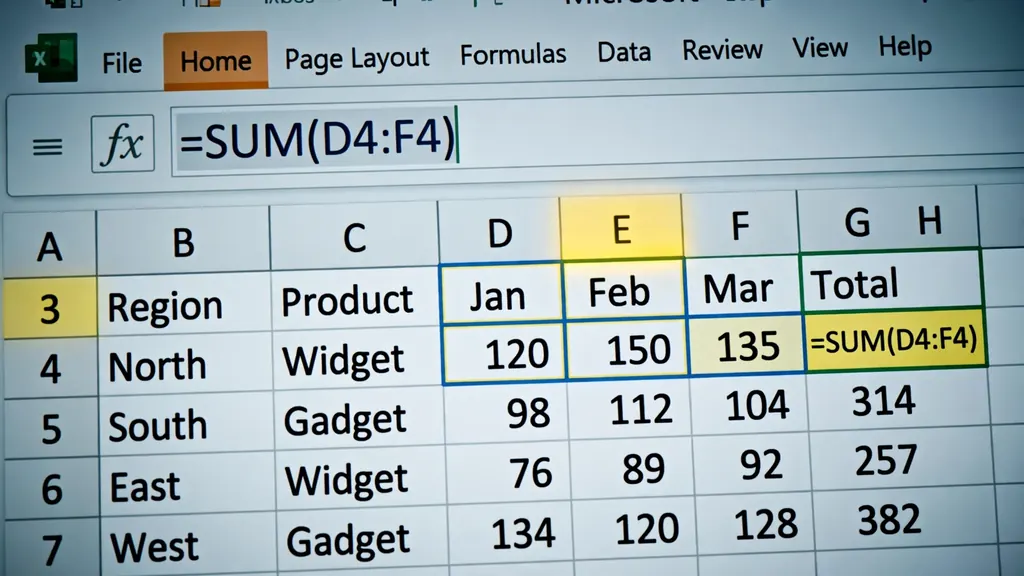
No deal should depend on everything going right. Below the output block, add a small sensitivity grid: rows for interest rate (−1%, base, +1%) and columns for rent (−10%, base, +10%), with monthly cash flow in the intersecting cells via a data table (Data → What-If Analysis → Data Table). If cash flow stays positive in eight of nine scenarios, the deal has margin for error; if it only works in the best case, walk away. Professional underwriters run this on every deal — it takes five minutes and has killed more bad investments than any other single technique. Save each analyzed property as its own column so competing deals can be stress-tested side by side.
The metrics that matter: cap rate, cash-on-cash, DSCR
Three ratios separate serious analysis from spreadsheet theater. Understand these and you can evaluate any income property anywhere in the world.
Capitalization rate (cap rate)
Cap rate = NOI ÷ purchase price. It measures the property’s unleveraged return — what the building earns regardless of how you finance it. A $200,000 property with $16,000 NOI has an 8% cap rate. In Excel: =NOI / PurchasePrice. Compare cap rates only within the same market and property class; an 8% cap in a declining area may be worse than a 5% cap in a growing one. (See the capitalization rate definition for the formal treatment.) Higher cap generally means higher return and higher risk — there is no free yield in real estate.
Cash-on-cash return
Cash-on-cash = annual cash flow ÷ total cash invested. This is your return on the money you actually put in, financing included. A property with $6,000/year cash flow on $60,000 invested returns 10% cash-on-cash. This is the metric leveraged investors live by: it answers “what does my down payment earn me?” Use it to compare a rental against alternative investments — if it cannot beat your hurdle rate by a clear margin, the hassle is not worth it.
Debt service coverage ratio (DSCR)
DSCR = NOI ÷ annual debt service. Lenders care about this one: it measures whether the property’s income covers its mortgage. A DSCR of 1.25 means income covers payments with 25% margin — the minimum most lenders want to see. Below 1.0, you are feeding the property every month. Build it into the analyzer as a red-flag cell: conditional formatting that turns red under 1.2 has saved many investors from bad loans.
Commission trackers for agents: Excel for realtors
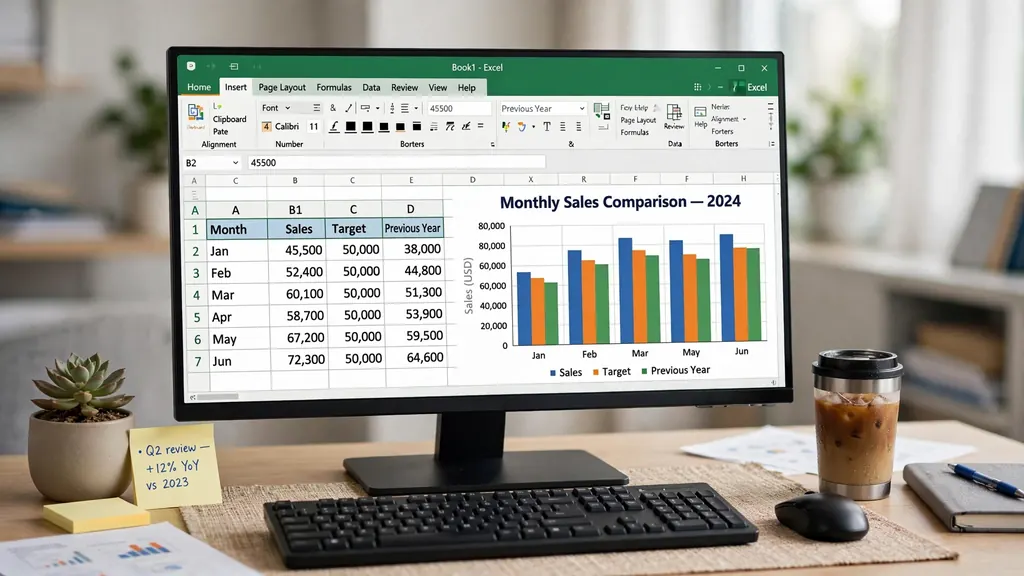
Agents live deal to deal, and commission income is lumpy, split-laden, and easy to lose track of. A commission tracker has two halves: the pipeline (deals in progress) and the closings log (money earned). Both are Excel Tables; together they answer “what am I owed, when does it land, and am I on track for the year?”
The pipeline sheet
One row per active deal: Client, Property, List/Sale Price, Your Side (buyer/seller), Commission %, Gross Commission (= price × rate), Brokerage Split (e.g., 70/30 or 100% minus desk fee), Estimated Net (= gross × your split), Stage (dropdown: Prospect, Active, Under Contract, Pending, Closed), Expected Close Date, Probability %. A weighted pipeline value column (= estimated net × probability) gives the honest forecast: $200k of “deals” at mixed probabilities is really $85k of expected income. Sort by expected close date each Monday and you have your week planned.
The closings log
When a deal closes, move the row to the Closings table (or flip its stage and filter views — either works) and record the actuals: close date, final price, actual gross, actual split, actual net, and date paid. Monthly and yearly totals come from SUMIFS: =SUMIFS(Closings[Net], Closings[CloseDate], ">="&DATE(2026,1,1), Closings[CloseDate], "<="&DATE(2026,12,31)). Add a source column (referral, Zillow, sphere, open house) and a pivot table reveals your true cost per acquisition per channel — the marketing insight most agents never compute.
The same tracker structure serves mortgage brokers, insurance agents, and any commission-based seller — the columns are identical, only the product changes. It pairs naturally with the pipeline thinking in our Excel sales tracking guide, which covers the dashboard and chart layer in depth.
Rental ledgers: the property management spreadsheet
A rental ledger proves, month by month and unit by unit, what each property earned and spent. For landlords up to ~20 units, a well-built property management spreadsheet beats software on simplicity and auditability. Structure it as three sheets:
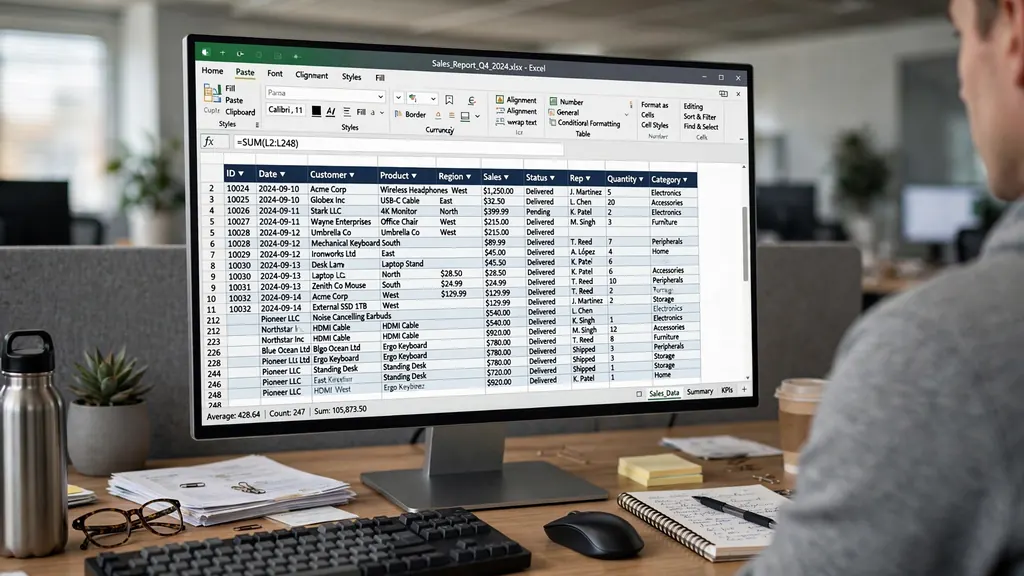
- Rent Roll: one row per unit per month — Property, Unit, Tenant, Month, Rent Due, Rent Received, Date Paid, Balance (= due − received), Late Fee. Conditional formatting flags any positive balance red. This sheet is your accounts receivable.
- Expense Log: one row per expense — Date, Property, Category (dropdown: Repairs, Insurance, Tax, Utilities, Management, Legal, Other), Vendor, Amount, Receipt link/note. This is your tax documentation.
- Unit P&L: a summary pulling both sheets with SUMIFS — per property per month: rent collected, expenses by category, net cash flow. This is the sheet you review, and the one your accountant wants.
The monthly landlord routine
On the 5th of each month: record all rent received, flag late payers, log last month’s expenses from receipts and bank statements, and review the Unit P&L. Ten minutes per property once the habit exists. Quarterly, reconcile against bank deposits — the same discipline as any business ledger. Annually, the Expense Log categorized by the dropdown becomes your tax return’s rental schedule practically pre-filled; landlords in the US (Schedule E), UK (self-assessment property pages), and Australia will all recognize the categories.
Security deposits and tenant tracking
Track deposits on a separate small table — Tenant, Unit, Deposit Held, Date Received, Date Returned, Deductions with reasons. Deposit disputes are the most common landlord-tenant conflict, and a clean ledger with dated entries wins them. In many jurisdictions (UK deposit protection schemes, various US state laws) you are legally required to hold deposits in specific ways; the spreadsheet tracks compliance, it does not replace legal advice.
Portfolio dashboard: all your holdings at a glance
With the analyzer, tracker, and ledger built, the portfolio dashboard is the capstone: one sheet summarizing every property you own or are evaluating. Pull key figures per property with XLOOKUP or direct links — purchase price, current value estimate, monthly cash flow, cap rate, cash-on-cash, occupancy — and add three visuals:
- Cash flow waterfall: a bar chart of monthly cash flow per property, sorted worst to best. The laggards demand attention.
- Equity build-up: a stacked area or line chart of loan balances declining and equity growing over time — the wealth-building story of leveraged real estate, visualized.
- 12-month income trend: total rental income vs total expenses as two lines. The gap is your portfolio’s heartbeat.
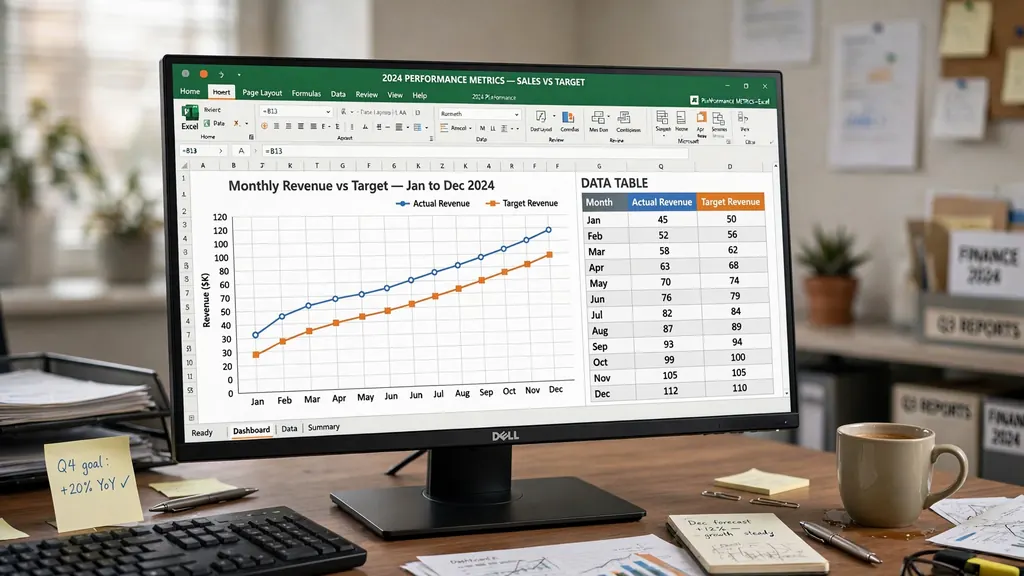
This dashboard is also your lender packet: when refinancing, a clean one-page portfolio summary with DSCR per property and overall makes you look like the borrower every bank wants. The presentation discipline here mirrors a finance dashboard in Excel — same tiles, charts, and slicers, applied to buildings instead of business units.
Importing MLS and property-manager CSV exports
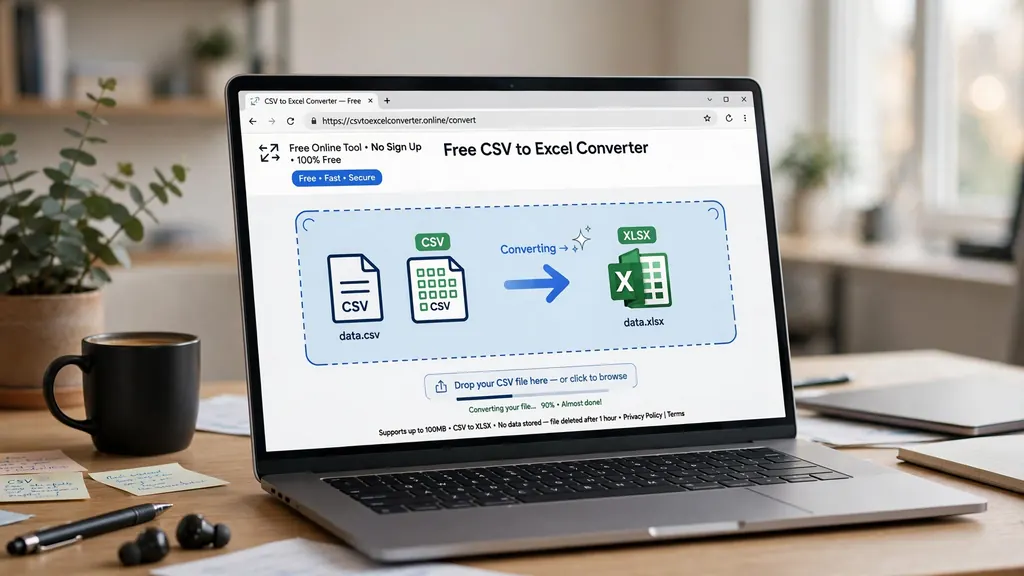
Real estate data arrives as CSV from every direction: MLS listing exports, property-manager monthly statements, bank transactions, rent-payment platforms. The import workflow is the same one used throughout this site: convert the CSV to a real workbook with our free CSV to Excel converter in your browser — no uploads, so sensitive financial data stays on your device — then map and paste into your tables.
Property-manager statements deserve a dedicated routine because they arrive monthly in inconsistent formats. Create a Staging sheet where you paste each statement, with a mapping row translating the manager’s column names to yours (their “Owner Distribution” = your “Rent Received”, their “Maintenance – Plumbing” = your “Repairs”). Once mapped, append the rows to the Expense Log and Rent Roll tables. Keep one staging sheet per manager if you use several — the mapping differs, and mixing them causes misclassification.
For MLS data used in deal analysis — lists of comparable sales with prices, square footage, days on market — paste the export into a Comps sheet and compute price-per-square-foot with a calculated column. Your analyzer’s ARV (after-repair value) can then reference =MEDIAN(Comps[PricePerSqft]) * SubjectSqft: a comp-based valuation that updates as you add comparables. It is a small step that makes your offers dramatically more defensible.
7 costly mistakes in real estate spreadsheets
- Using the seller’s numbers. Verify rent and expenses independently. Sellers understate expenses; your analyzer must use your numbers.
- Forgetting vacancy and maintenance. The two expenses every beginner omits — and the two that destroy cash flow projections. Budget both, always.
- Confusing cap rate with cash-on-cash. Cap rate ignores financing; cash-on-cash includes it. Use cap rate to compare properties, cash-on-cash to compare investments.
- Hardcoded assumptions scattered in formulas. Put the interest rate, vacancy %, and expense ratios in named input cells. When assumptions change, one edit updates everything.
- No sensitivity analysis. Every analyzer needs a small table showing cash flow at ±1% interest and ±10% rent. If the deal only works in the best case, it does not work.
- Mixing personal and property money. The ledger tracks property finances only. Personal draws are transfers out, recorded as such — your accountant will thank you.
- Analysis paralysis. The analyzer’s job is to kill bad deals fast, not to model the perfect one forever. Fifteen minutes per property, then decide.
Real estate is ultimately a cash-flow business, and cash flow is a spreadsheet’s native language. Pair these tools with the invoicing discipline of our freelancer invoice tracker if you also do contract work — the accounts-receivable habits are identical.
Frequently Asked Questions
What is the best excel for real estate deal analyzer?
The best analyzer is one you understand completely: inputs for purchase price, rent, expenses, and financing, with automatic cap rate, cash-on-cash return, and monthly cash flow. Build it yourself in an afternoon using the structure in this guide — you will trust its outputs because you built every formula, which matters when real money is at stake.
How do I calculate cap rate in Excel?
Cap rate = Net Operating Income / Purchase Price. In Excel: =(AnnualRent – AnnualOperatingExpenses) / PurchasePrice, formatted as a percentage. Exclude mortgage payments from the expenses — cap rate measures the property, not your financing.
How do real estate agents track commissions in Excel?
Keep a transaction table with columns for client, property, close date, sale price, commission rate, gross commission, brokerage split, and net to agent. SUMIFS formulas produce per-month and per-year totals, pipeline value of pending deals, and a leaderboard by deal source.
Can I manage rental properties with an Excel spreadsheet?
Yes, up to roughly 10-20 units. A property management spreadsheet with a rent roll, expense log, and per-unit profit/loss covers everything a small landlord needs. Beyond that scale, dedicated property management software earns its fee through automation and tenant portals.
How do I analyze a fix-and-flip deal in Excel?
Build a flip tab with purchase price, rehab budget (line-itemed), holding costs per month times expected months, selling costs (agent commission, closing), and after-repair value from comps. Profit = ARV – all costs; the 70% rule (offer <= 70% of ARV minus repairs) is your quick sanity check.
What is a good cash-on-cash return for rental property?
It varies by market, but 8-12% is commonly cited as solid for US residential rentals; lower in expensive coastal markets, higher in cash-flow markets. Compare against your alternatives — if a property’s cash-on-cash cannot beat a low-risk investment by a meaningful margin, the risk is not paying you.