What is an Excel to CSV converter?
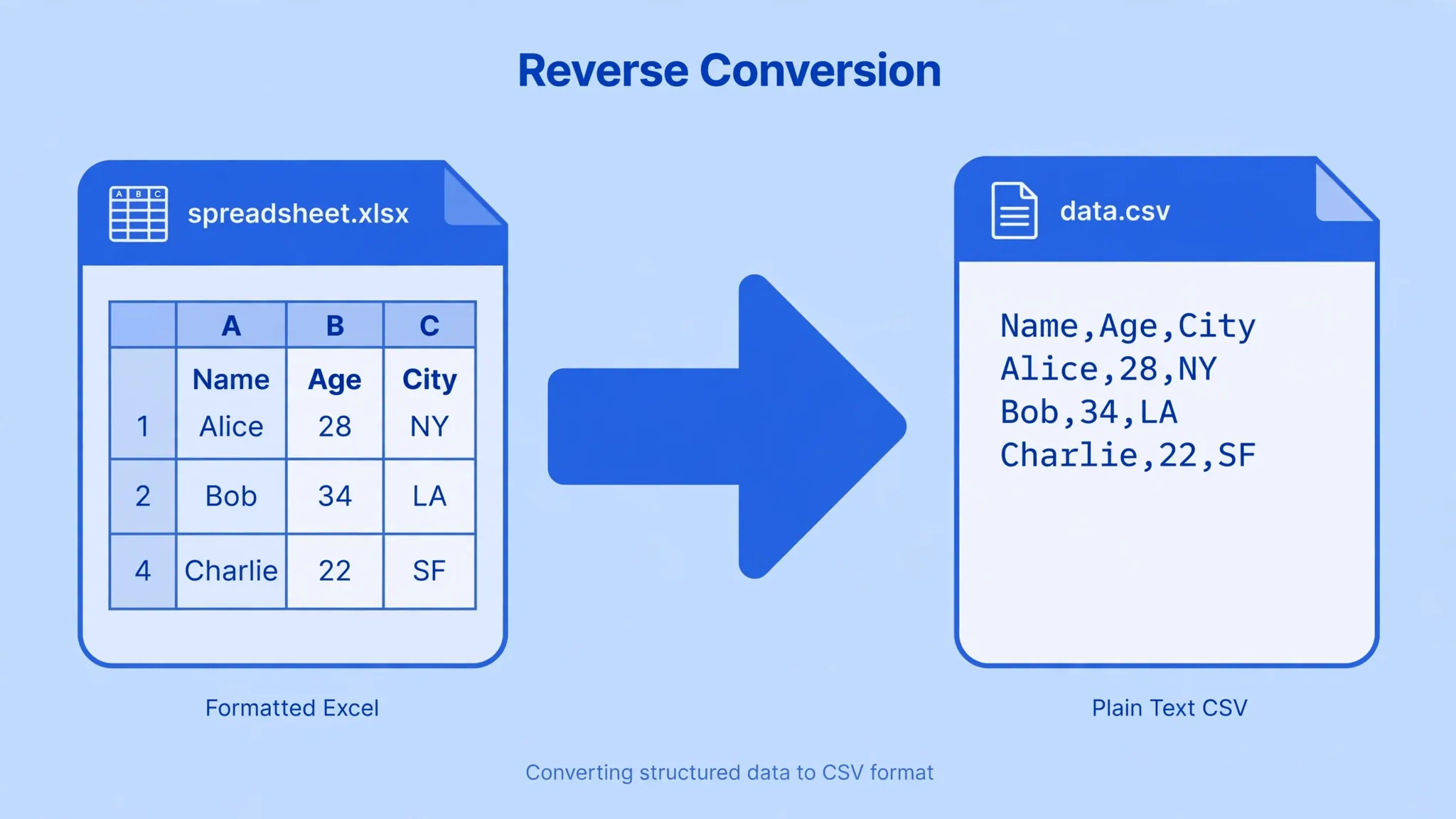
An Excel to CSV converter takes a workbook (.xlsx or .xls) and exports a worksheet as a CSV file — plain text where each row is a line and each value is separated by a delimiter. It's the standard handoff between Excel and the rest of the data world: databases, web uploads, accounting software, and scripts all speak CSV. The conversion keeps your values but drops formatting, formulas, charts, and extra sheets — so the right converter also helps you control encoding and delimiters to avoid the classic garbled-text disasters.
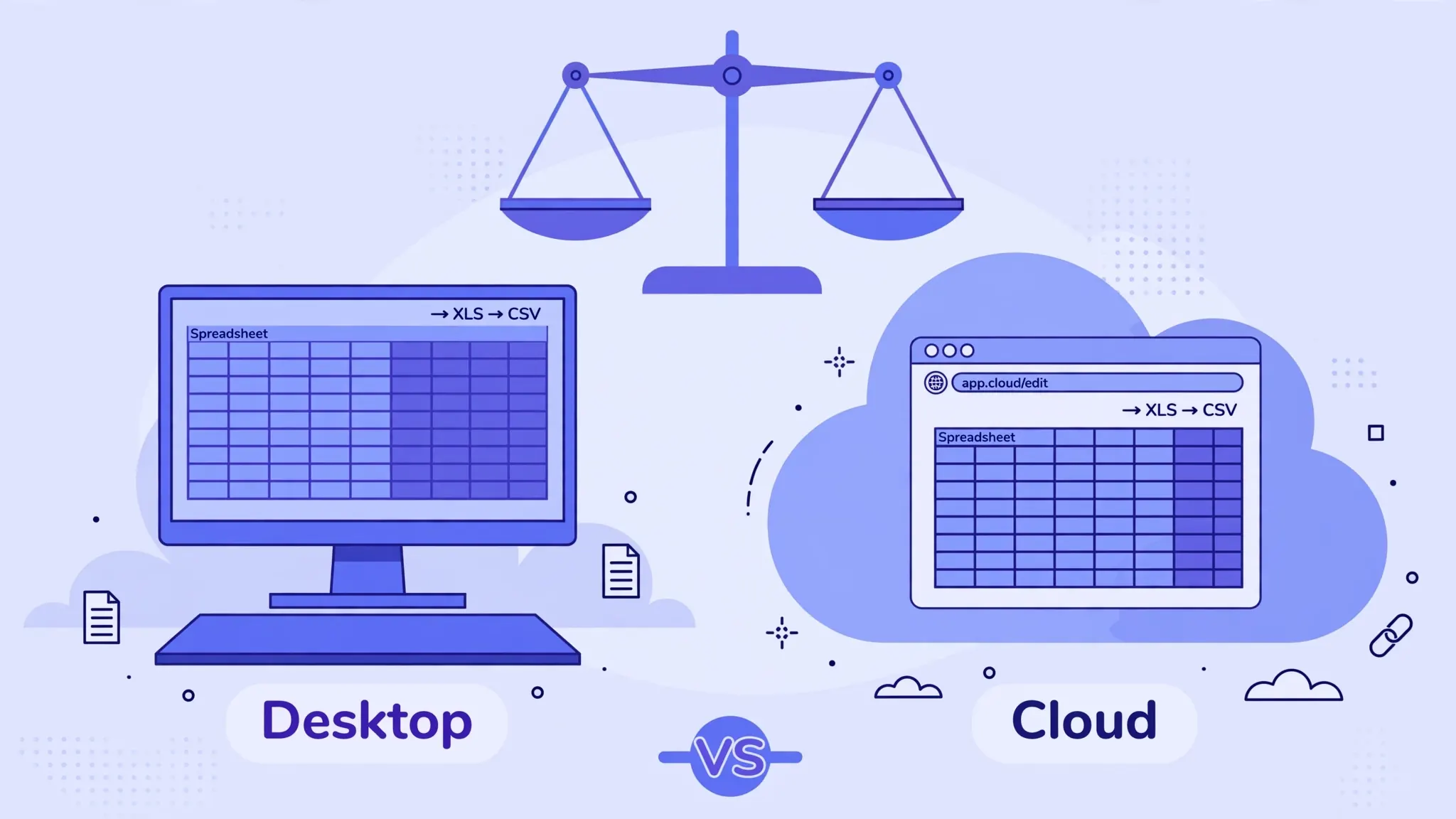
Converter methods compared: online tools vs desktop vs scripts
| Method | Best for | Speed | Privacy | Cost |
|---|---|---|---|---|
| Online converter (this page) | One-off files, any device, no Excel installed | ⭐⭐⭐ Instant | ⭐⭐⭐ Local processing | Free |
| Excel → Save As CSV | Files you're already editing in Excel | ⭐⭐ Fast | ⭐⭐⭐ Fully local | Needs licence |
| Google Sheets → Download | Files living in Google Drive | ⭐⭐ Fast | ⭐⭐ Cloud copy | Free |
| Python (pandas) | Batch-converting hundreds of files | ⭐⭐⭐ Scripted | ⭐⭐⭐ Fully local | Free |
| LibreOffice Calc | Free desktop alternative on Linux/Windows | ⭐⭐ Fast | ⭐⭐⭐ Fully local | Free |
The honest summary: online converters win on convenience, desktop software wins on trust for sensitive files, and scripts win at scale. Most people need the first — which is exactly what the free tool below does, running entirely in your browser so your data is never uploaded.
How to use this free Excel to CSV converter
Drop your Excel file here
or
Accepts .xlsx and .xls · files never leave your device
Preview — first 10 rows
Choosing the right method for your situation
- "I just need one file converted now." Use the online converter above. Done in under a minute.
- "The data is confidential (HR, finance, client lists)." Use Excel's Save As → "CSV UTF-8" on your own machine, or this page — both keep data local. Avoid upload-to-server converters you don't trust.
- "I have 200 workbooks to convert." Automate. A 10-line Python script with pandas loops the folder and writes each sheet to CSV — no clicking required. (We cover this in our CSV to Excel with Python guide; the reverse uses the same library.)
- "I'm on a Chromebook / Linux / phone." The browser tool is your best friend — no desktop Excel needed.
- "My CSV must use semicolons." Common in European locales and parts of India where comma is the decimal separator. Pick semicolon in the delimiter dropdown above.
Features that make a good converter

Before you trust any Excel to CSV converter, check it offers these:
- Worksheet picker. CSV holds one sheet — a converter that silently exports only the first tab will burn you.
- Delimiter choice. Comma, semicolon, tab, pipe. Hard-coding comma breaks European exports.
- UTF-8 control. Proper Unicode output plus an optional BOM for Excel-on-Windows compatibility.
- Preview. Seeing the first rows before download catches wrong-sheet and wrong-delimiter mistakes instantly.
- Local processing. Your spreadsheet shouldn't travel to a stranger's server. Client-side conversion keeps it on your device.
- No signup, no watermark, no row limits. The basics, but surprisingly rare.
This page's converter ticks all six. For the opposite direction — CSV into Excel — try our free CSV to Excel tool or the full CSV to Excel converter page.
Real-world scenarios: which converter wins?
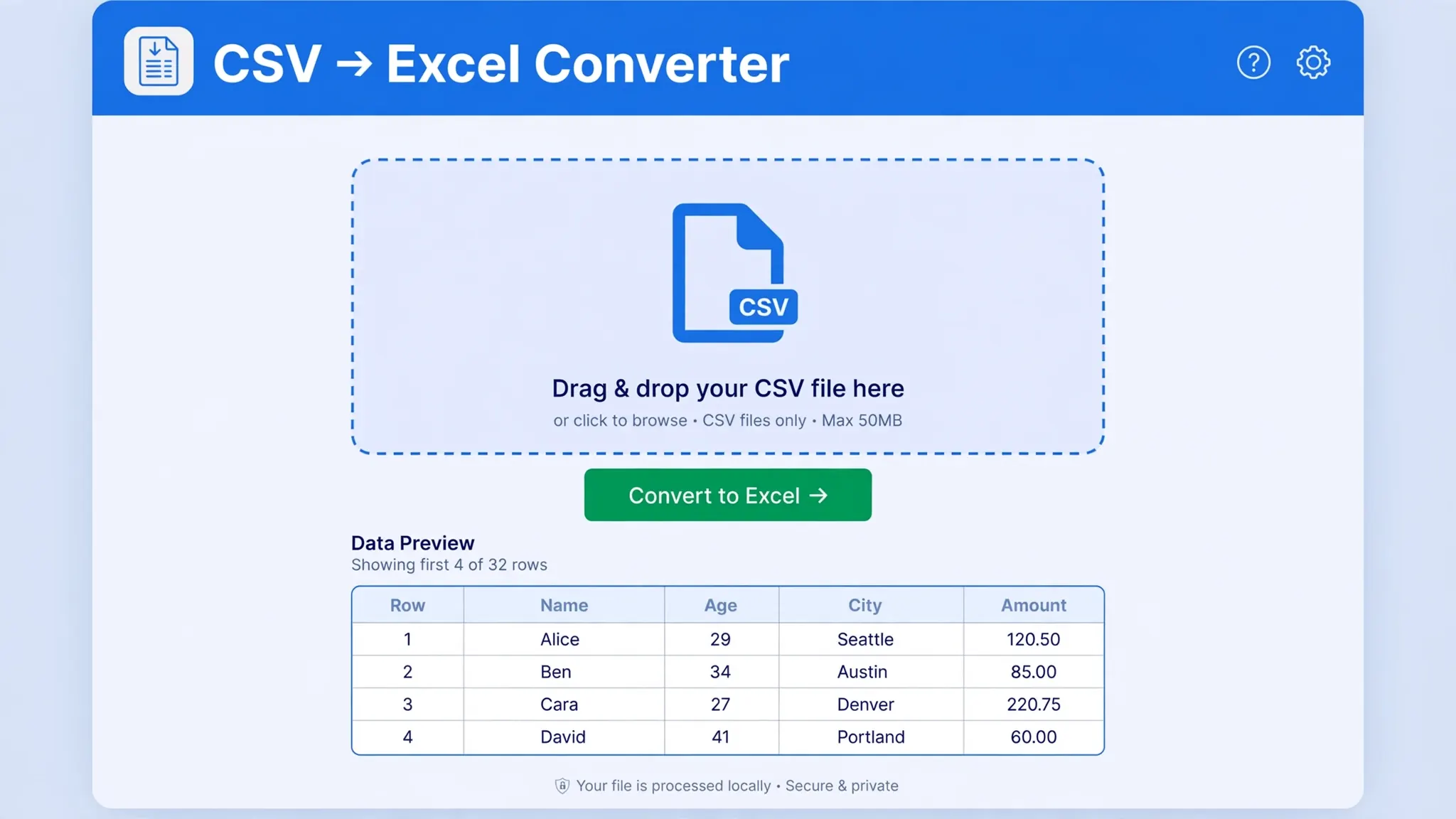
Theory is nice; situations decide. Consider three people searching for an Excel to CSV converter today. Priya, an accountant in Mumbai, needs to upload a client ledger to her tax portal before a deadline — she uses the online converter above, picks semicolons to match the portal's spec, and downloads in under a minute. James, a data analyst in London, converts 300 regional sales workbooks every Monday — he wrote a pandas script once and never thinks about it again. Sofia, an HR manager in Toronto handling salary sheets, won't let the file touch any server — she uses Excel's Save As on her own laptop. Three users, three right answers. The common thread: each matched the method to the constraint (speed, scale, or secrecy) instead of defaulting to whatever they found first.
One more scenario worth naming: scheduled reporting. If a CSV must be produced from Excel every night without human involvement, neither online tools nor manual Save As will do — that's a job for Power Automate, a cron-triggered Python script, or Excel's own Power Query refresh. Build the automation once, and the "converter" becomes invisible infrastructure.
Frequently asked questions
What is the best Excel to CSV converter?
For one-off files, a free online converter is fastest — no install, works anywhere. For confidential data, use Excel's own Save As or a local script. For hundreds of files, automate with Python pandas.
Is there a free Excel to CSV converter with no signup?
Yes — the converter on this page is free, needs no account, and processes files locally in your browser so nothing is uploaded.
Can an Excel to CSV converter keep my formatting?
No converter can — CSV is plain text and cannot store formatting, formulas, charts, or multiple sheets. It keeps cell values, which is what databases and import tools need.
How do I batch convert many Excel files to CSV?
Use a short Python script with pandas: loop over the folder, read each workbook, and write each sheet to CSV. One script can convert hundreds of files in minutes.
Which delimiter should I choose when converting?
Comma is the universal default. Choose semicolon if your region uses comma decimals, tab for TSV-style exports, or pipe when your text contains commas and quotes.