
At some point, converting files by hand stops scaling: your SaaS needs an “Export to Excel” button, your data pipeline needs to hand analysts workbooks instead of raw dumps, or your internal tool needs to turn uploaded CSVs into formatted spreadsheets on demand. That’s when you need a CSV to Excel API — a programmable endpoint that takes CSV in and hands XLSX back, callable from any language, on any schedule, with no human in the loop. Whether you call a hosted service or build the endpoint yourself, the pattern is the same: CSV goes in over HTTP, a real workbook comes out.
This guide covers both paths to convert CSV to Excel programmatically: using a hosted conversion API (including the free tiers worth knowing about) and rolling your own with Python in under fifty lines. You’ll learn how to design the endpoint well, handle large files without melting your server, and navigate the security and cost questions that decide which path fits your situation.

What a CSV to Excel API actually does
Strip away the jargon and a conversion API is beautifully simple: it’s an HTTP endpoint that accepts a CSV file (usually as a multipart upload or a URL), runs a conversion, and returns an XLSX file (usually as a download, sometimes as a URL to fetch). The caller — your web app, your mobile app, your cron job, your Zapier-style automation — never thinks about file formats; it just POSTs and receives.
What separates a good conversion endpoint from a naive one is everything around that core: options (delimiter, encoding, sheet name, output format), finishing (frozen panes, autofit columns, filters, an Excel Table instead of a raw range), async handling for big files (return a job ID, notify via webhook when done), and honest errors (a 422 with “column count mismatch on row 412” beats a 500 with nothing). The conversion itself is the easy 10%; the other 90% is what this guide designs for.
One architectural note that shapes everything below: conversion is CPU-and-memory work, not I/O work. Parsing a 500 MB CSV and serializing a million-cell workbook takes real RAM and real seconds. Any API design — hosted or homegrown — must account for that with size limits, timeouts, and async jobs. The providers that get this wrong are the ones whose “simple” endpoint falls over on the first real-world file.

Build vs buy: when an API beats a script
Before reaching for any API, check whether you need one at all. A Python script with openpyxl converts CSV to XLSX in five lines with no network, no latency, no per-call cost, and no data leaving your machine — our Task Scheduler guide shows the pattern running hands-free on Windows. If one machine does all your converting, a script plus a scheduler beats an API on every axis: simpler, faster, cheaper, more private.
An API earns its keep when conversions must be triggered remotely: a web app’s Export button, a mobile app generating reports, multiple client systems needing the same conversion logic, or a microservices architecture where the converter is one service among many. It also wins when non-Python systems need conversions — a Node.js backend, a PHP legacy app, or a no-code tool can all POST a file; none of them wants to shell out to a Python script.
The build-vs-buy decision then splits once more. Buy (hosted) when you need it working this afternoon, volumes are modest, and the data isn’t sensitive. Build (self-hosted) when volumes are high enough that per-conversion pricing stings, when data can’t leave your infrastructure, or when you need custom finishing (your brand’s styling, your validation rules, your conditional formatting) that no generic provider offers. Most teams that start with “buy” graduate to “build” within a year — the hosted API prototypes the feature, the homegrown endpoint productionizes it.
Option 1: Hosted conversion APIs you can call today
The online CSV to Excel API integration landscape has a few established players. They differ in pricing models more than in conversion quality — every one of them produces a correct XLSX from a clean CSV — so choose on free-tier generosity, docs quality, and data policies:
General conversion platforms (ConvertAPI, CloudConvert, and similar) expose CSV→XLSX among hundreds of format pairs. Typical free tiers run from tens to a few hundred conversions monthly — enough to prototype and to serve a low-volume internal tool indefinitely. Their strength is breadth: if you later need PDF→Excel or HTML→XLSX, the same API key covers it. Their weakness for our purpose is genericity: you get a plain conversion, not a finished workbook with your styling.
What to verify before committing: the free tier’s monthly cap and what happens at the cap (hard stop vs surprise bill), file retention policy (how long they keep your uploads — for sensitive data the answer should be “minutes, then deleted,” documented), max file size per conversion, and whether the API supports the options you need (delimiter selection matters enormously for European semicolon CSVs; encoding selection matters for legacy exports). Always test with your ugliest real file, not the sample from their docs.
A typical integration is a dozen lines in any language — here’s the shape of it in Python with requests:
import requests

response = requests.post(
    "https://api.example-converter.com/v1/convert",
    headers={"Authorization": "Bearer YOUR_API_KEY"},
    files={"file": open("orders.csv", "rb")},
    data={"from": "csv", "to": "xlsx", "delimiter": ","},
    timeout=120,
)
response.raise_for_status()
with open("orders.xlsx", "wb") as f:
    f.write(response.content)
Note the timeout and error handling — hosted APIs occasionally take a minute on large files, and your code should distinguish “still working” (retry with backoff) from “rejected” (fix the input). For production, prefer providers offering async jobs with webhooks over synchronous calls for anything above a few megabytes.
Option 2: Roll your own conversion endpoint with Python
Here’s the complete self-hosted alternative: a FastAPI service that accepts CSV uploads and returns finished XLSX files. Fifty lines, no API key, no per-conversion fee, and your data never leaves your server:

from fastapi import FastAPI, UploadFile, File, HTTPException
from fastapi.responses import StreamingResponse
import csv, io
from openpyxl import Workbook
from openpyxl.utils import get_column_letter

app = FastAPI(title="csv2xlsx")
MAX_BYTES = 200 * 1024 * 1024  # 200 MB cap

@app.post("/convert")
async def convert(file: UploadFile = File(...), sheet: str = "Data",
                  delimiter: str = ",", freeze: bool = True):
    raw = await file.read()
    if len(raw) > MAX_BYTES:
        raise HTTPException(413, "File too large")
    try:
        text = raw.decode("utf-8-sig")
    except UnicodeDecodeError:
        raise HTTPException(422, "Could not decode as UTF-8")
    wb = Workbook()
    ws = wb.active
    ws.title = sheet[:31]  # Excel sheet-name limit
    reader = csv.reader(io.StringIO(text), delimiter=delimiter)
    for row in reader:
        ws.append(row)
    if freeze:
        ws.freeze_panes = "A2"
    ws.auto_filter.ref = ws.dimensions
    for col in ws.columns:
        longest = max((len(str(c.value)) for c in col if c.value), default=0)
        ws.column_dimensions[get_column_letter(col[0].column)].width = min(longest + 2, 50)
    buf = io.BytesIO()
    wb.save(buf)
    buf.seek(0)
    name = (file.filename or "data").rsplit(".", 1)[0] + ".xlsx"
    return StreamingResponse(
        buf,
        media_type="application/vnd.openxmlformats-officedocument.spreadsheetml.sheet",
        headers={"Content-Disposition": f'attachment; filename="{name}"'},
    )
Run it with pip install fastapi uvicorn openpyxl then uvicorn main:app --host 0.0.0.0 --port 8000, and you have a working endpoint: POST /convert with a CSV file returns a polished XLSX with frozen panes, filters, and fitted columns. The query parameters (sheet, delimiter, freeze) are the beginning of the “options” surface from the design section below. Deploy it on any VPS, in a Docker container, or behind your existing API gateway — it’s stateless, so it scales horizontally without thought.
Designing the endpoint: what good looks like
Whether hosted or homegrown, judge any conversion endpoint against this checklist:
Input flexibility. Accept uploads and URLs (fetch the CSV server-side for pipeline use). Support delimiter and encoding parameters — the two knobs that decide whether a European or legacy CSV converts correctly. Accept a sheet name; default sensibly.
Finishing options. The difference between “a conversion API” and “a useful conversion API” is what the workbook looks like on arrival: header freeze, AutoFilter, autofit widths, an Excel Table, date parsing. Expose the common ones as flags; keep the defaults polished so the zero-config call still produces a good file.
Async for big files. Synchronous HTTP and 500 MB CSVs don’t mix. The mature pattern: POST /jobs returns {"job_id": ...} immediately; the client polls GET /jobs/{id} or receives a webhook at a registered URL when the XLSX is ready. Under ~10 MB, synchronous is fine; above it, async is mandatory.
Honest errors. Return machine-readable failures: 413 for too large, 422 for undecodable or malformed CSV with a row number in the message, 429 with a Retry-After when rate-limited. Your future self debugging a 3 AM pipeline failure will thank you for the row number.
Idempotency and formats. Offer XLSX by default; XLSM and XLSB as explicit opt-ins (their trade-offs deserve deliberate choice). For repeated identical conversions, an idempotency key lets clients safely retry without double-processing.
Version from day one. Put a version in the path (/v1/convert) even when v1 is all you have. The day you change a default — say, switching date parsing on — you’ll need to ship it without breaking existing integrations, and a versioned path turns a breaking change into an opt-in upgrade. Document a changelog; API consumers plan around stability, and nothing erodes trust faster than silent behavior changes in a conversion pipeline.
Security, limits, and costs
Data sensitivity decides the architecture. With a hosted API, your CSVs transit and temporarily rest on someone else’s servers — fine for public data, questionable for customer PII, unacceptable for health or financial records under regimes like GDPR, HIPAA, or India’s DPDP Act. Self-hosting keeps everything inside your perimeter. For one-off sensitive files, skip APIs entirely and use a client-side browser converter where the file never leaves the machine.
Set hard limits. Every endpoint needs: max upload size (reject before buffering), max rows/columns (Excel’s 1,048,576 × 16,384 grid is the absolute ceiling), request timeouts, and rate limits per key. Without them, one giant upload or one abusive client degrades the service for everyone. Log rejected requests — a spike in 413s usually means a client needs the async path, not a bigger limit.
Cost math. Hosted pricing is typically per-conversion or per-megabyte, with free tiers covering prototyping. Self-hosting costs a small VPS (a $6–12/month instance handles thousands of modest conversions) plus your setup time. The crossover most teams hit: when monthly hosted bills exceed roughly two hours of engineering time, building wins. And unlike per-conversion pricing, your own endpoint’s marginal cost per file is effectively zero — which changes what features you can afford to offer users.
Abuse and injection deserve a paragraph. A conversion endpoint is an attractive target: CSV formula injection (cells starting with = that execute when the XLSX opens) is a real attack vector — sanitize or neutralize leading =, +, -, @ characters by prefixing them with a single quote or stripping them, and document your choice. Zip bombs and billion-laughs-style XML attacks don’t apply to openpyxl’s writer the way they do to parsers, but oversized inputs still DoS you via memory — which is why the size caps above are security controls, not just performance tuning. Log and rate-limit aggressively; a converter that anyone can hammer for free will be hammered.
The client-side alternative: conversion with no server at all
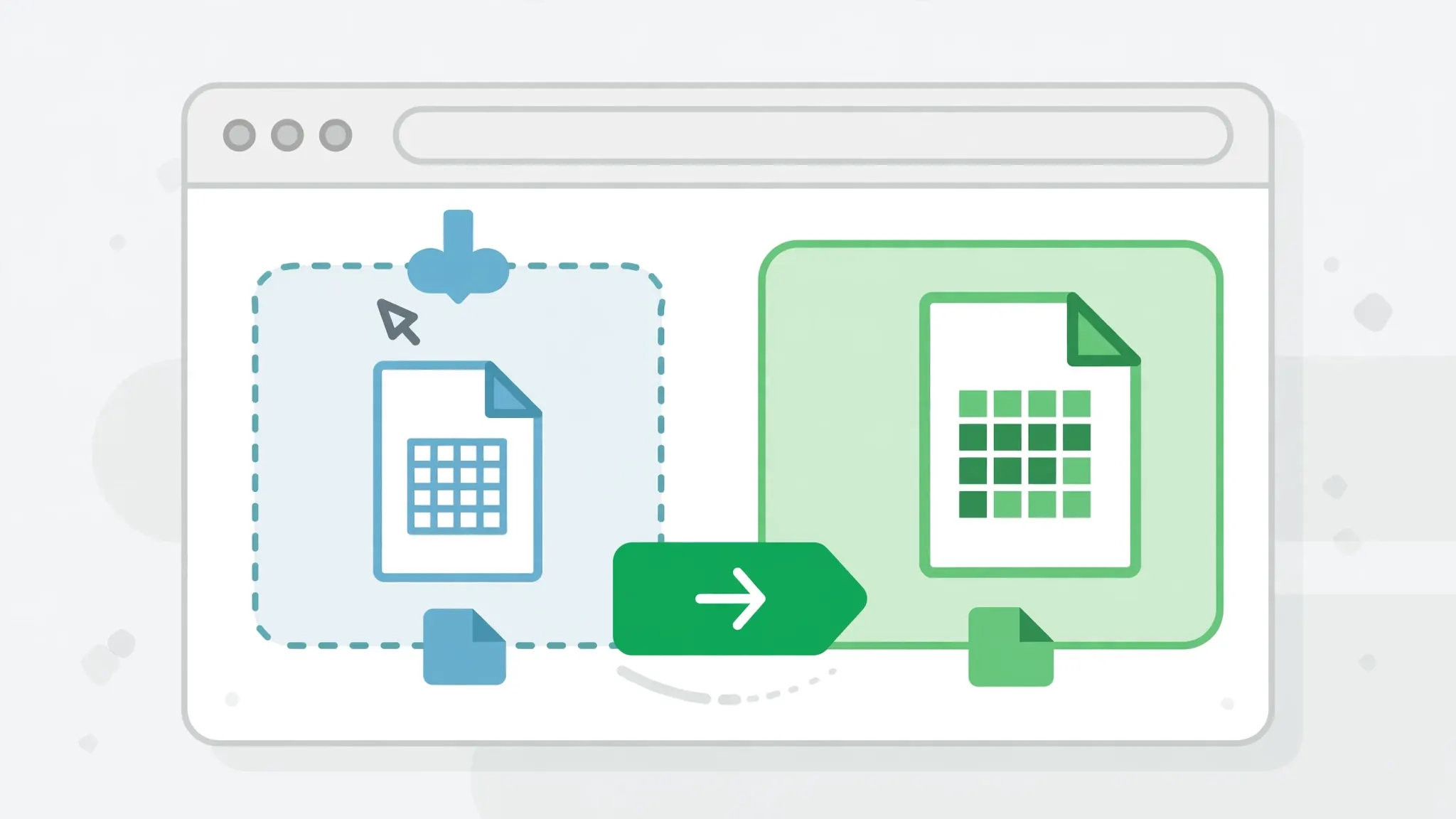
There’s a third architecture that deserves mention because it sidesteps the entire hosting question: do the conversion in the user’s browser with JavaScript. Libraries like SheetJS (xlsx) parse CSV and generate real XLSX files entirely client-side — the file never touches your server, which means zero infrastructure cost, zero data-retention worries, and latency limited only by the user’s machine. Our own free CSV to Excel converter works exactly this way: the conversion runs in the page, privately, with nothing uploaded.
Client-side conversion fits a specific shape of product: user-triggered, one-file-at-a-time, privacy-sensitive workflows — the “Export” button in a dashboard, the upload-and-convert tool on a marketing site. It doesn’t fit server-driven pipelines (no HTTP endpoint for other systems to call), very large files (browser memory caps bite around a few hundred megabytes), or unattended automation. The decision tree is therefore simple: if a person clicks to convert, client-side is usually the best answer; if a system needs to convert, you need the API from the sections above. Many products end up with both — browser conversion for the UI, an API for the backend — sharing the same conversion logic compiled to both targets.
Troubleshooting API conversions
Downloads are corrupted / won’t open. The response bytes were mangled in transit — usually a proxy or client code treating binary as text. Ensure the client writes response.content in binary mode and the server sets the correct XLSX MIME type.
Non-English characters turn to gibberish. Encoding mismatch: the CSV wasn’t UTF-8, or the API assumed wrong. Expose an encoding parameter and default to utf-8-sig detection; document it loudly.
Large files time out. Move to the async job pattern — synchronous HTTP was never going to carry a 500 MB conversion. As a stopgap, raise timeouts on both client and server and stream the response.
Rate limited (429). You’re calling faster than the plan allows. Implement exponential backoff, batch files where the API supports it, or upgrade the tier — don’t hammer through 429s.
Dates/numbers mangled in output. The converter wrote strings where Excel expects typed values. Parse dates and numbers server-side during conversion (or accept a types parameter), rather than hoping Excel guesses right on open.
Memory exhaustion on the server. openpyxl holds the workbook in RAM; a million-row file needs gigabytes. Cap input size, process in streaming/chunked fashion for huge files, or route giants to the async worker with generous memory.
Frequently Asked Questions
Is there a free API to convert CSV to Excel?
Yes, several conversion platforms offer free tiers — typically a few dozen to a few hundred conversions per month. For unlimited volume, building your own endpoint with Python (FastAPI + openpyxl) costs only your server and has no per-conversion fees.
How do I build my own CSV to Excel API?
Create a small web service (Python’s FastAPI is ideal) with an endpoint that accepts a CSV upload, converts it with openpyxl or pandas, and returns the XLSX as a download. Deploy it anywhere Python runs — a VPS, a container, or a serverless function.
Should the API return XLSX or XLSM?
Return XLSX by default — it’s universally compatible. Offer XLSM or XLSB only as explicit options, since macro-enabled and binary formats have compatibility trade-offs your API consumers should opt into deliberately.
How do I handle large CSV files in a conversion API?
Stream the upload instead of buffering it fully in memory, convert in chunks or with pandas, enforce a max file size, and for very large jobs return a job ID with webhook or polling rather than blocking the HTTP request.
Is it safe to send sensitive CSVs to a third-party conversion API?
Only if you trust the provider’s data handling — uploaded files transit their servers. For financial, HR, or health data, prefer a self-hosted converter where files never leave your infrastructure, or a client-side browser converter for one-offs.
Can I convert CSV to Excel programmatically without an API?
Absolutely — a script using Python’s openpyxl or pandas converts CSV to XLSX in a few lines with no network involved. An API wrapper only becomes worthwhile when other systems or users need to trigger conversions over HTTP.